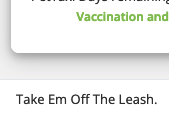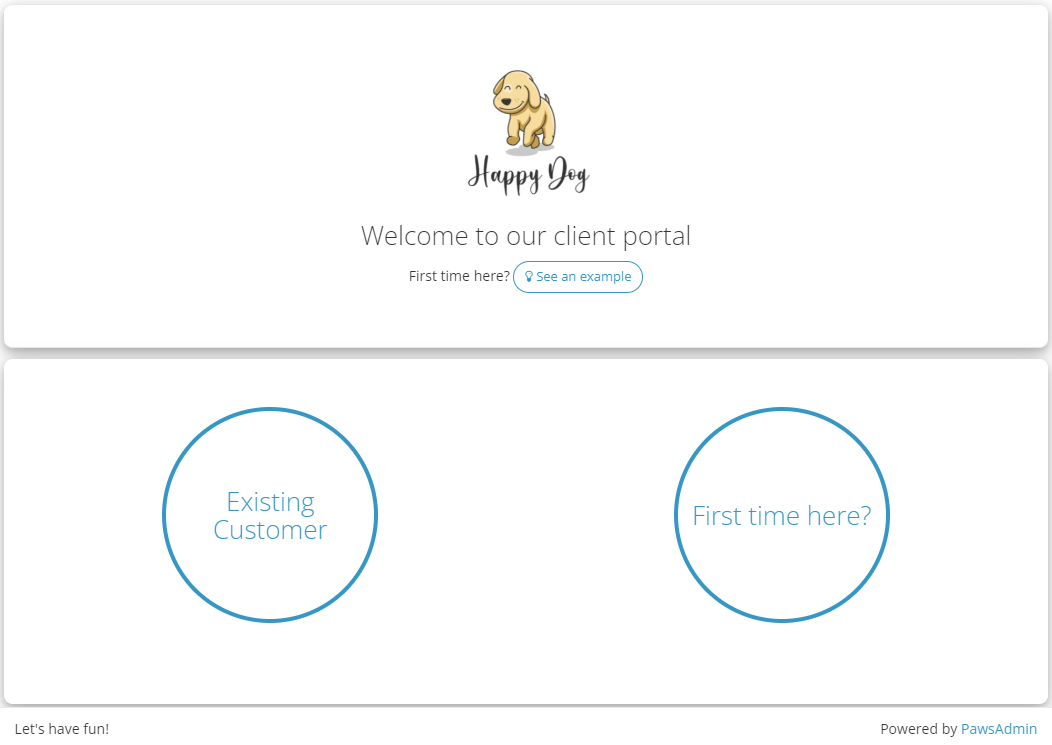
We are here to represent your brand! You can now amplify your brand through color themes and brand message customization.
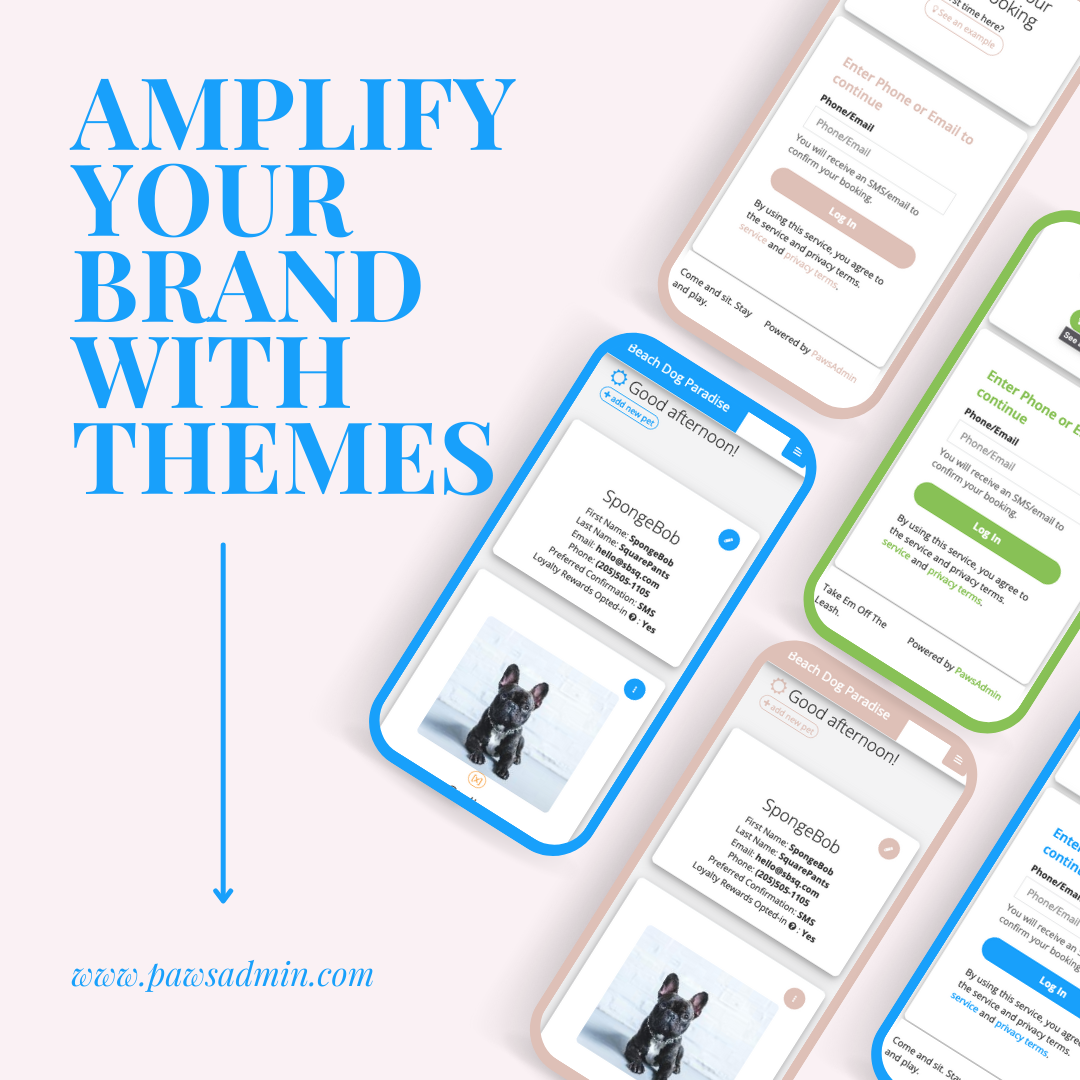
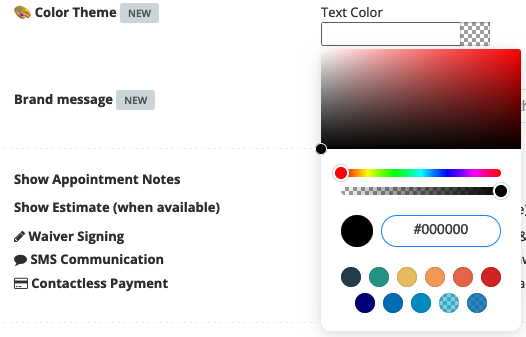
1. Customize your brand color
step 1. go to online booking > configuration
step 2. set text color
step 3. set menu color for portal
💡Recommendation: To keep it simple, you can set it to the same as the text color, or slightly darker
Save and preview! Go to online booking > how to book > click on 'preview' to check out your new theme in both widget and portal view.
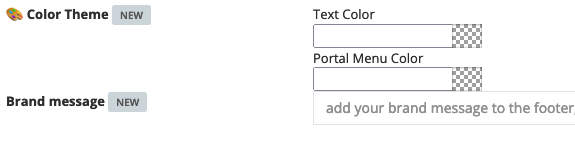
2. Customize your brand message
step 1. go to online booking > configuration
step 1. set brand slogan
Save and preview! You can find your updated brand message replacing ours 'Wake Up. Hug Dog. Have a great day!'