Run cards are essential tools for managing boarding pets' daily care. Learn how to access, understand, and utilize run cards effectively.
Accessing Run Cards
After Check-In Process
- Navigate to Check-in page > Boarding tab
- Complete pet check-in process
- Find pet under "Who's Here" tab
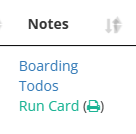
- Click "Run Card" button
Pro Tip: Access run cards anytime during the pet's stay by returning to the "Who's Here" tab
Run Card Contents
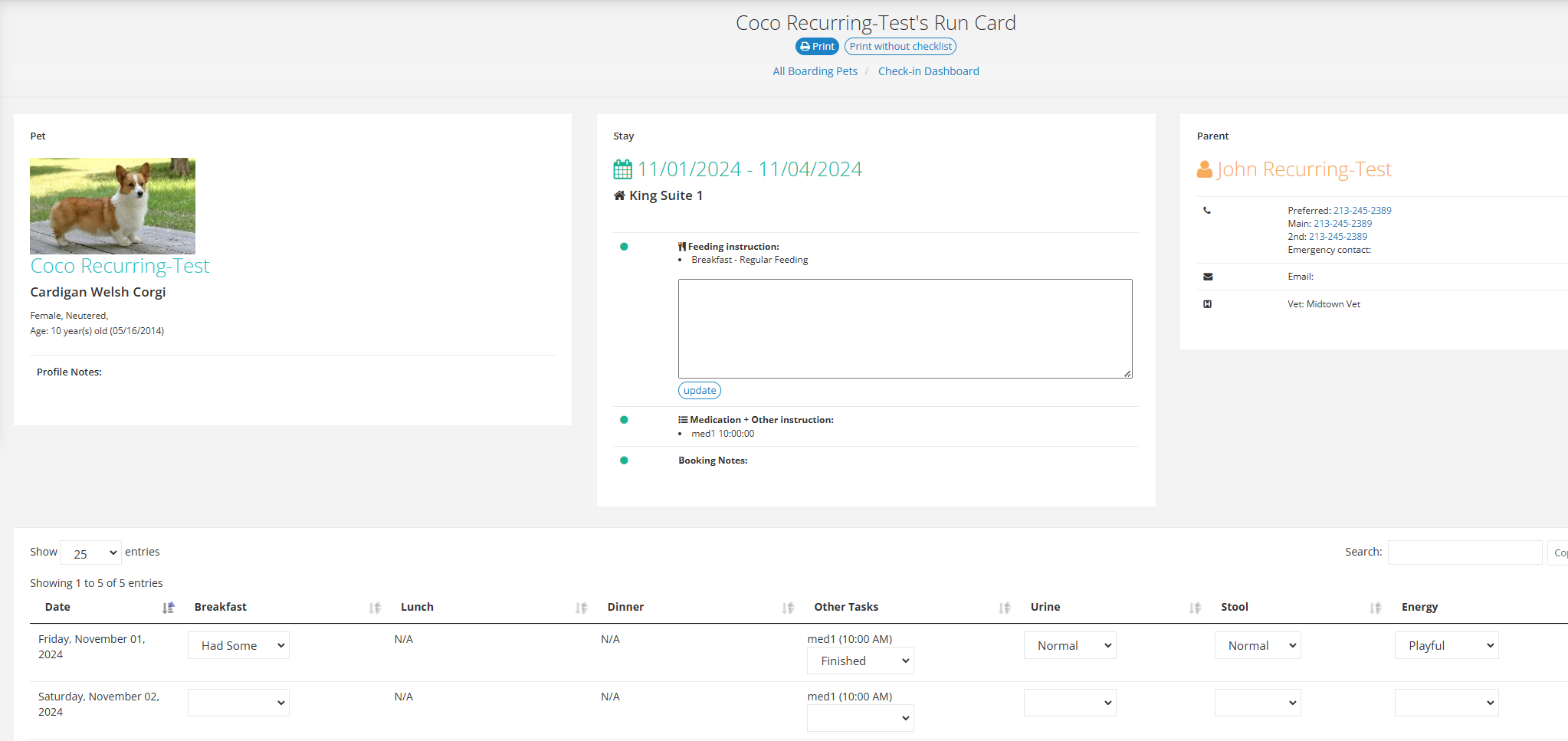
1. Pet Information
- Name and photo (if available)
- Breed
- Age
- Weight
- Special identifiers
- Medical conditions
2. Care Instructions
Organized sections for:
- Feeding schedule and portions
- Daily activities/todo items
- Known allergies
- Medications and dosing schedule
3. Client Details
- Owner name
- Emergency contact
- Veterinarian information
- Authorized pick-up persons
4. Daily Task Checklist
Includes spaces to track:
- Feeding times
- Medication administration
- Add-on services
- Health checks
- Special instructions
- Staff initials
Printing Run Cards
Print Options
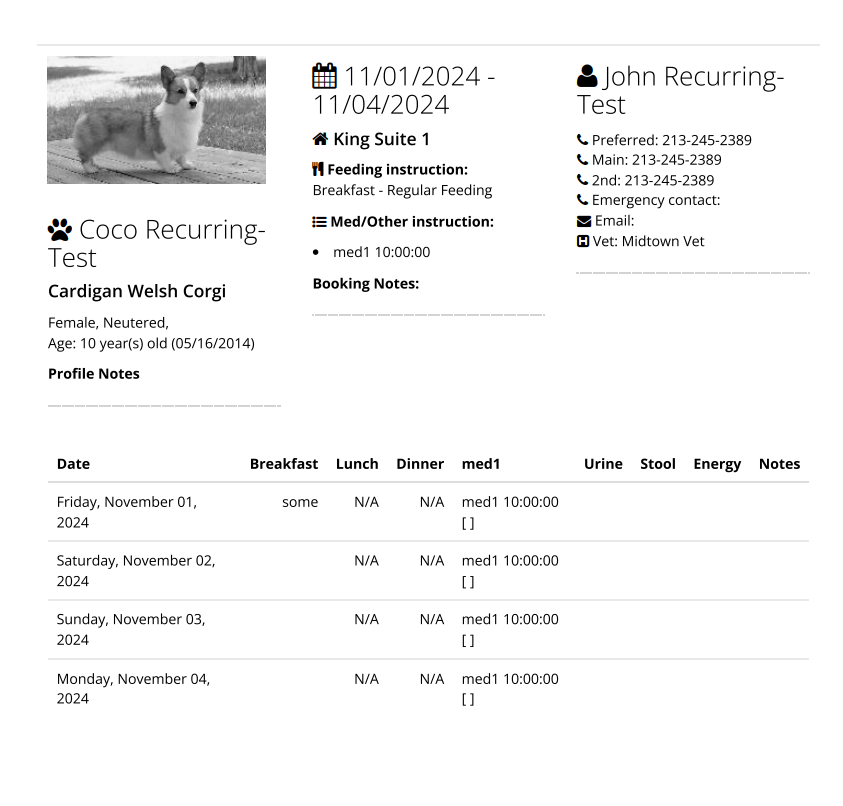
- Click "Print" button on run card view
- Choose printing preferences:
- Single card
- Multiple cards
- Full page or half page format (in settings, 2 per page)
Best Practices
- Keep cards in waterproof sleeves
- Place cards near pet's space
- Archive completed cards with boarding record
Updates and Changes
- Changes to booking reflect immediately
- Reprint cards when:
- Services are added
- Stay is extended
- Care instructions change
Integration with Facility Todo System
Connecting Tasks
- Run card tasks sync with facility todo list
- Updates in either location reflect system-wide
- View Facility Todo Tutorial
Task Management
- Mark tasks complete on run card
- System updates facility todo list
- Track completion across all pets
Pro Tips
- 💡 Laminate frequently used cards
- 💡 Use color coding for different services
- 💡 Keep digital backup of all cards
- 💡 Review cards during shift changes
Related Features
Need assistance? Contact our support team at support@pawsadmin.com. We're here to help make your boarding operations as efficient as possible! 🐾