
There are 2 quick ways to access pet and client data in PawsAdmin - search and report.
🔎 Instant search and filtering
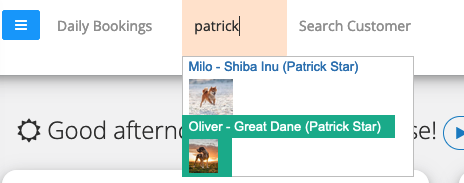
- On top of any page, you can instantly search for a pet or/and client by client name, pet name, phone number, breed, and so on. Continue typing to narrow down the matching search results.
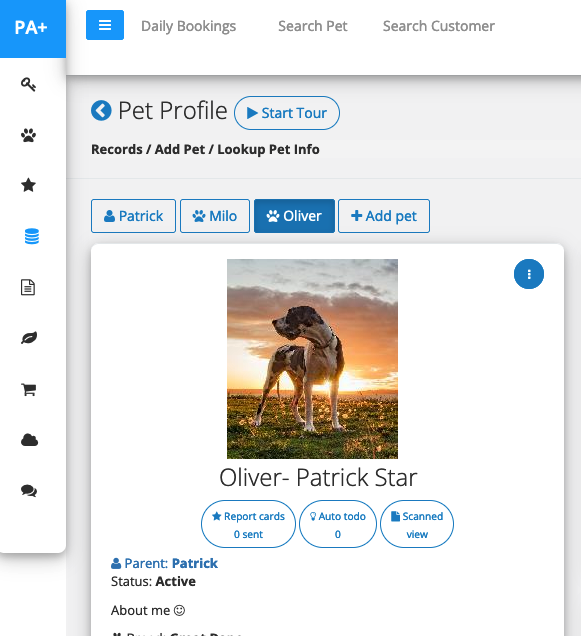
- Click on the matching result and it will take you to the pet/client profile page.
Note: You will also find the same instant search feature in many other parts of PawsAdmin, when you book an appointment, add a pet, and so on.
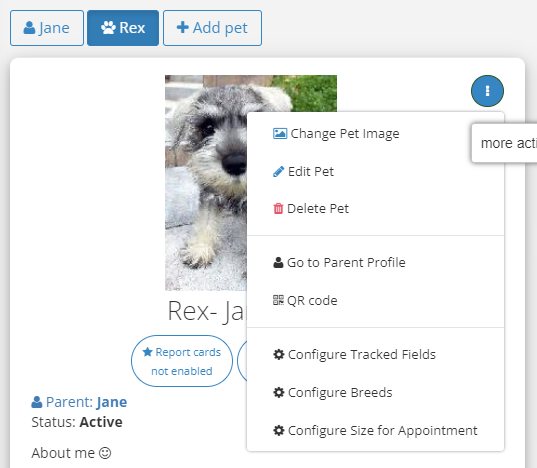
Edit/Remove a pet: Click on the three dots circle icon to edit pet details.
🐕 Pet and client reports
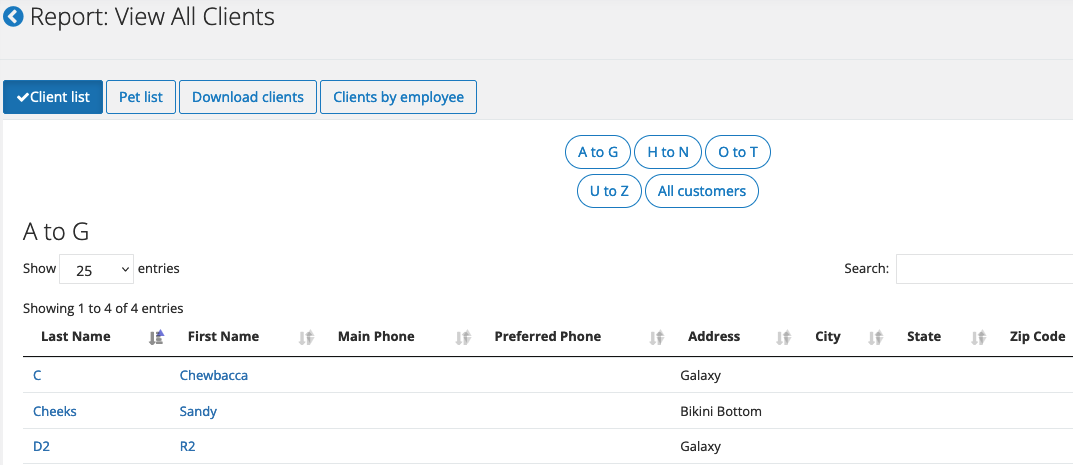
In admin > reports > pet data, you can find pet and client reports, including
- Your full customer list and pet list
- You can download your list from this pet report section
- You can also download the customer list by an employee.
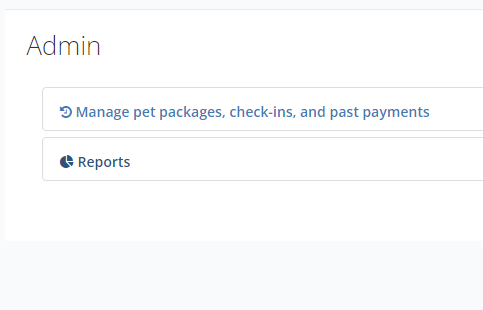
Note: You will need admin access to view reports.