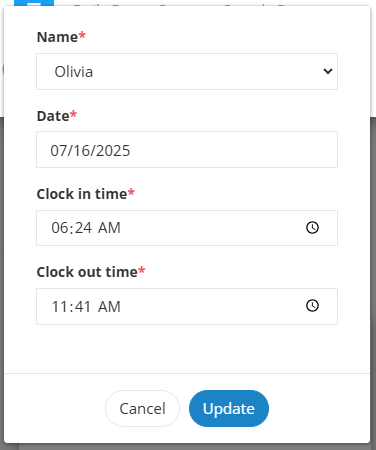
If you notice discrepancies in employee clock-in/out times, you can easily correct them in just a few steps.
✅ Steps to Edit a Clock-In/Out Entry:
Select the payroll period you'd like to review.
Review the report Summary and the Hours Entry section on the right.
Search for the employee’s name to locate their time entries.
Click the Edit button next to the incorrect entry.
Update or override the information as needed, then save your changes.