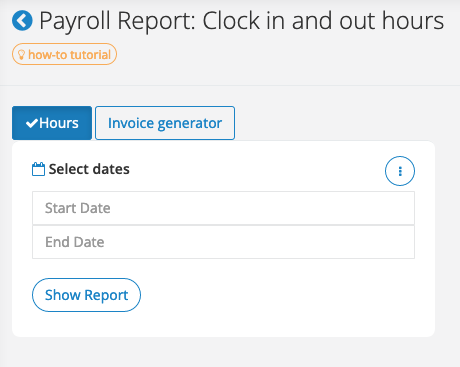
How It Works
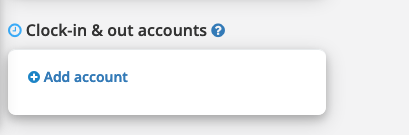
Step 1: Go to admin (new) > team > team account.
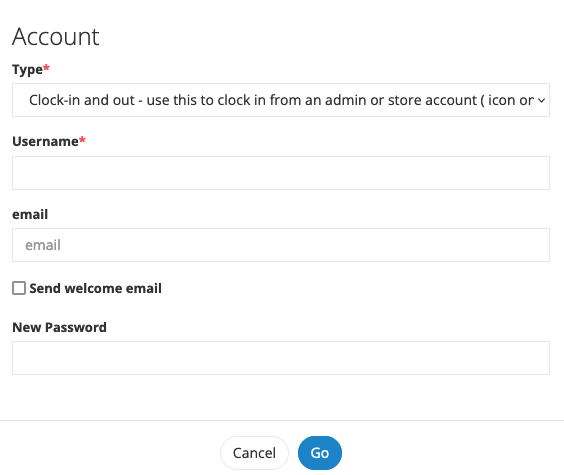
Set up clock in and out login by filling out the fields below. The username/password will be used for clocking in and out
- Account Type: Clock In/Clock Out
- Username
- Password
- Submit
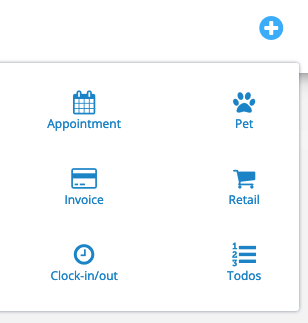
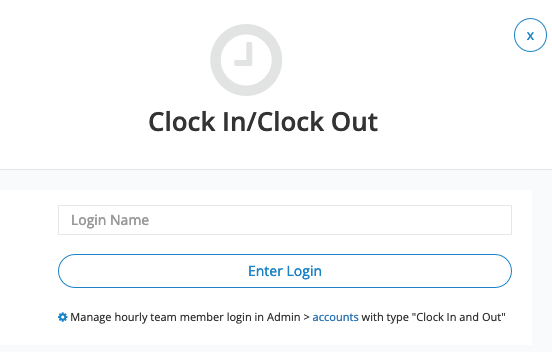
Step 2: Once added, the staff can then enter the password to clock in/out upon arrival/departure by clicking on the plus sign on top of the page
Step 3: View report in Admin > Report > Clock In/Clock Out Report
You can pull the clock in/out report for select dates in Admin > Reports > Clock In/Clock Out Report
Note: You can instantly filter/search, sort, and export the select part of the report.